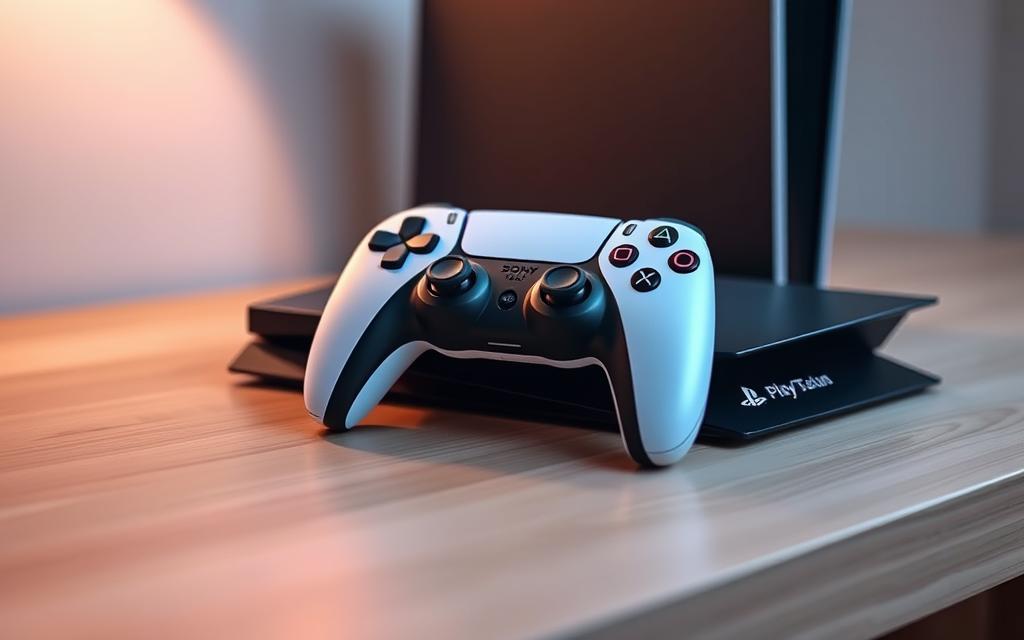
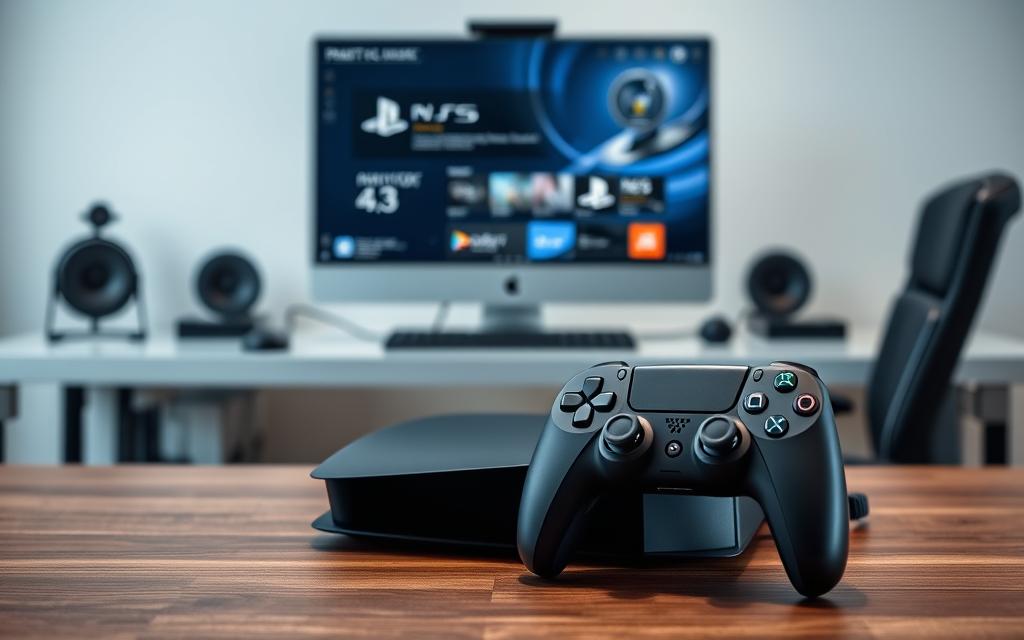
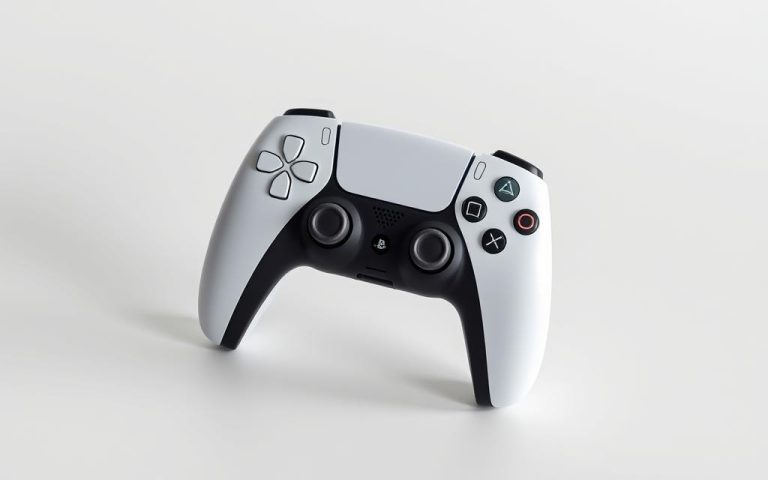
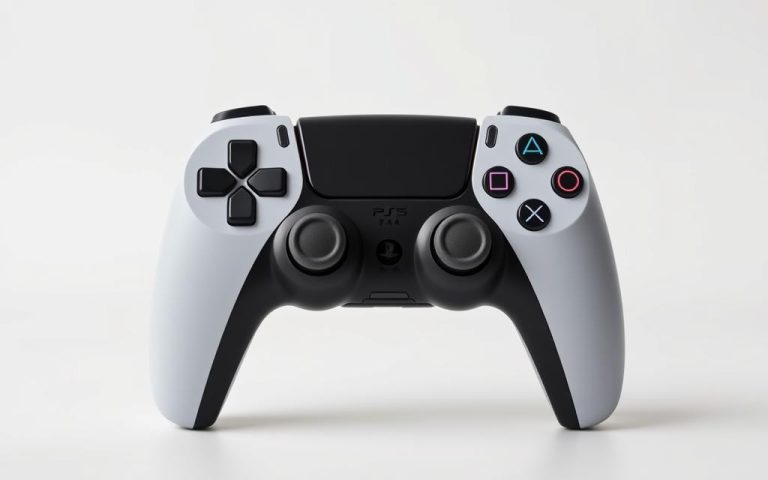
The PS5 DualSense controller is designed for the latest generation of gaming consoles, but many gamers are wondering if they can use it with their existing PS4 console. According to Sony’s official FAQ page, the DualSense wireless controller is not compatible with the PS4.
However, some clever workarounds have been discovered, allowing gamers to utilize their PS5 controller with their PS4. These workarounds include using Remote Play and Bluetooth adapters. Gamers may want to leverage their PS5 controller for its ergonomic benefits and convenience.
The introduction to this comprehensive guide will explore the compatibility issues, Sony’s stance, and the potential solutions, setting the stage for what readers can expect to learn in the subsequent sections.
The Compatibility Question: Can You Use PS5 Controller on PS4?
Compatibility between the PS5 controller and PS4 is a frequently asked question among gamers. The inquiry stems from the desire to utilize the advanced features of the DualSense controller with the older PS4 console.
Official Sony Stance on DualSense and PS4 Compatibility
Sony explicitly states that “The DualSense wireless controller is not compatible with the PS4 console.” This statement is a clear indication of the company’s stance on the matter. When you plug a PS5 controller into a PS4’s USB port, it will charge but won’t function as a controller.
The PS5 controller and PS4 are not natively compatible due to differences in hardware and software between the two generations. The communication protocols, hardware architecture, and software design vary significantly, making it challenging for the PS5 DualSense to work seamlessly with the PS4.
The Good News: Workarounds Exist
Despite the official incompatibility, workarounds exist that allow gamers to use their PS5 controller with PS4 games. Two primary methods are available: Remote Play and Bluetooth adapters. These methods provide a way for gamers to utilize their PS5 controller with the PS4, albeit with some limitations.
Remote Play allows users to stream their PS4 games to another device, using the PS5 controller as the input device.
Bluetooth adapters can bridge the compatibility gap by enabling the PS5 controller to connect to the PS4 via Bluetooth.
While these workarounds are available, it’s essential to understand their limitations and potential impact on the gaming experience.
Method 1: Using PS Remote Play to Connect PS5 Controller to PS4
The PS Remote Play method allows gamers to control their PS4 consoles using a PS5 DualSense controller through an intermediary device. This approach provides a viable workaround for those looking to utilize their newer controller with the older console.
What You’ll Need for This Method
To use PS Remote Play, you’ll need a few key components. First, ensure your PS4 console is connected to the internet and linked to your PlayStation Network account. You’ll also require a compatible device such as a Windows PC, macOS, Android, iPhone, or iPad. A stable internet connection with a minimum speed of 5 Mbps (though 15+ Mbps is recommended) is necessary for smooth gameplay.
Additionally, you’ll need the PS5 DualSense controller and the PS Remote Play app installed on your secondary device. Make sure your PS4 is set as the Primary PS4 for your PSN account to enhance reliability.
Setting Up PS Remote Play on Your Device
Begin by downloading and installing the PS Remote Play app on your chosen device. The app is available for various platforms, including Windows, Mac, iOS, and Android. Once installed, launch the app and sign in with your PlayStation Network account credentials.
Connecting Your DualSense Controller
To connect your DualSense controller, you’ll need to put it in pairing mode. This is typically done by holding down the PS button and the Create button simultaneously until the light bar begins to flash. Then, using your secondary device, navigate to its Bluetooth settings and select the DualSense controller from the list of available devices.
Step-by-Step Guide to Launching and Playing
Enabling Remote Play on Your PS4
On your PS4, navigate to Settings > Remote Play Connection Settings and check “Enable Remote Play.” This step is crucial for allowing your PS4 to be controlled remotely.
Connecting Through Your Secondary Device
With Remote Play enabled on your PS4, open the PS Remote Play app on your device and sign in. The app should detect your PS4 console; select it to establish the connection. You can now use your DualSense controller to control your PS4.
Troubleshooting Common Connection Issues
If you encounter issues, check your internet connection speed and stability. Ensure your PS4 and secondary device are connected to the same network or can otherwise communicate effectively. Restarting both devices can also resolve many connectivity problems.
By following these steps, you can successfully use your PS5 controller with your PS4 via PS Remote Play, enjoying the enhanced features of the DualSense controller on your older console.
Method 2: Using Bluetooth Adapters for Direct Connection
For those seeking a more direct connection, using a Bluetooth adapter is an effective method to link your PS5 controller to your PS4. This approach eliminates the need for intermediary software or Remote Play, potentially reducing latency and improving overall gaming experience.
How Bluetooth Adapters Bridge the Compatibility Gap
Bluetooth adapters work by translating the DualSense controller’s inputs into a signal that the PS4 can understand. Essentially, the adapter acts as a bridge, making the PS4 recognize the PS5 controller as a compatible device. This is achieved through the adapter’s ability to mimic the signal of a PS4 controller, allowing for seamless interaction between the PS5 controller and the PS4 console.
Popular Adapter Options for PS5 Controller to PS4
Several Bluetooth adapters are available on the market, with the Mayflash Magic-S Pro being a popular choice among gamers. When selecting an adapter, consider factors such as pricing, reliability, and feature sets. It’s essential to choose an adapter that is known for its compatibility with the PS4 and its ability to handle the DualSense controller’s advanced features.
Step-by-Step Connection Process
Plugging in and Setting Up Your Adapter
To begin, plug the Bluetooth adapter into an open USB port on your PS4 console. Ensure the adapter is properly seated and recognized by the PS4.
Pairing Your DualSense Controller
Next, press the pairing button on the adapter until the LED lights begin to blink, indicating it’s in pairing mode. Then, on your DualSense controller, hold down the PlayStation button and the Create button simultaneously to enter pairing mode. Once both devices are in pairing mode, they will automatically connect.
Testing and Confirming the Connection
After pairing, test the connection to ensure all buttons and functions are working correctly with your PS4. This includes checking the controller’s responsiveness, the functionality of the touchpad, and the performance of the haptic feedback (if supported).
Using a Bluetooth adapter to connect your PS5 controller to your PS4 offers several advantages, including reduced latency compared to Remote Play and the ability to play without an intermediary device. By following these steps and choosing the right adapter, you can enjoy a more direct and immersive gaming experience.
Limitations and Performance Considerations
While the PS5 controller offers enhanced gaming features, its compatibility with PS4 games comes with certain limitations. Understanding these limitations is crucial for a smooth gaming experience.
DualSense Features That Won’t Work on PS4
The advanced features of the DualSense controller, such as adaptive triggers and haptic feedback, are not supported by PS4 games. This is because PS4 games were developed with the DualShock 4 in mind, not the DualSense. As a result, features like haptic feedback and adaptive triggers won’t function as intended.
Adaptive triggers won’t provide the nuanced resistance PS5 games offer.
Haptic feedback, while potentially usable, won’t be optimized for PS4 games.
The built-in microphone functionality may not be fully utilized.
Latency and Connection Quality Factors
When using the PS5 controller with PS4 via Remote Play, latency can be a significant issue. The quality of your internet connection plays a crucial role in determining the latency. For optimal performance, consider using a wired Ethernet connection and limiting other bandwidth-heavy activities.
For those using Bluetooth adapters for a direct connection, the positioning of the adapter and the controller’s firmware updates can impact performance.
Battery Life Considerations
Using the DualSense controller with PS4 games may affect its battery life. Factors such as screen brightness, volume levels, and the type of games played can influence battery drain. Regularly updating your controller’s firmware can help optimize battery performance.
Optimizing Your Setup for the Best Experience
To get the most out of your PS5 controller with PS4 games, follow these optimization tips:
Use a wired Ethernet connection for Remote Play.
Keep your devices close to the router when using wireless connections.
Update your controller’s firmware regularly.
Reduce in-app resolution settings if you notice lag.
By understanding the limitations and optimizing your setup, you can enjoy a better gaming experience using your PS5 controller with PS4 games.
Conclusion: Is Using a PS5 Controller on PS4 Worth It?
The compatibility between PS5 controllers and PS4 consoles, although not native, can be achieved through alternative methods. Using your PS5 controller on PS4 via Remote Play is more than a clever workaround—it’s a smart gaming upgrade. With the right setup and proper optimization, you can enjoy the superior design and responsiveness of the DualSense even while revisiting your favorite PS4 titles.
Two primary methods were discussed: using PS Remote Play and Bluetooth adapters for direct connection. While both have their advantages and limitations, the choice between them depends on your technical setup and gaming preferences. For those with a stable internet connection, Remote Play offers a convenient solution without the need for additional hardware.
For gamers who strongly prefer the DualSense ergonomics or when the DualShock4 is unavailable, using a PS5 controller on PS4 is definitely worth the effort. However, it’s essential to consider the cost-benefit analysis of purchasing adapters versus using Remote Play. As we look to the future, it’s possible that Sony might release official support or adapters for cross-generation controller compatibility, further enhancing the gaming experience.
In conclusion, the versatility of modern gaming setups and the ingenuity of gamers in maximizing their hardware investments are truly commendable. As controller technology continues to evolve, these cross-generation solutions bridge the gap between console generations, offering a more flexible gaming experience.
FAQ
Is it possible to connect a PS5 DualSense controller to a PS4 console?
While the PS5 DualSense controller is not natively compatible with the PS4, there are workarounds, such as using the PS Remote Play app or Bluetooth adapters, to establish a connection.
What is PS Remote Play, and how does it help in using a PS5 controller with a PS4?
PS Remote Play is an application that allows you to stream your PS4 games to another device, such as a PC or mobile device, and play them using your PS5 DualSense controller. This method enables you to control your PS4 console remotely.
Are there any limitations to using a PS5 controller with a PS4 through PS Remote Play?
Yes, some features of the DualSense controller, such as haptic feedback and adaptive triggers, are not supported when using PS Remote Play with a PS4. Additionally, the gaming experience may be affected by internet connection quality and latency.
Can I use a Bluetooth adapter to directly connect my PS5 controller to my PS4?
Yes, Bluetooth adapters can bridge the compatibility gap between the PS5 DualSense controller and the PS4. However, the connection process and compatibility may vary depending on the adapter used.
Will using a PS5 controller on a PS4 affect the battery life of the controller?
The battery life of the PS5 DualSense controller may be affected when used with a PS4, as the controller is designed to work optimally with the PS5. However, the impact on battery life is generally minimal.
Are there any specific PS4 games that are incompatible with the PS5 DualSense controller?
Most PS4 games are compatible with the PS5 DualSense controller when using workarounds like PS Remote Play or Bluetooth adapters. However, some games may not function as expected due to compatibility issues or lack of support for certain controller features.
Transform your computer gaming experience by connecting your DualShock™4 controller to your PC. This simple step can elevate your gaming sessions, providing the comfort and familiarity of console gaming on your computer. Connecting your PS4 controller to your PC can be achieved through various methods, including wired and wireless connections. For a seamless gaming experience,…
The arrival of the PlayStation 5 marked a significant milestone in the gaming world, offering enhanced graphics capabilities and innovative features. Many gamers who already own DualShock 4 controllers for their PS4 consoles wonder if they can use them on their new PS5. The answer is yes, but with some limitations. For those looking to…
Many PlayStation users are eager to know if their PS4 controllers will work with the new PS5 console. The good news is that PS4 controllers are compatible with PS5, but with certain limitations. This guide will walk you through when and how to use your DualShock4 controllers with your PS5, helping you understand the compatibility…
The DualShock4 controller is a versatile gaming accessory that offers a great gaming experience across multiple platforms. Understanding how to properly connect it to various devices is essential for optimal performance. This guide will walk you through the different methods of connecting your PS4 controller to devices, from basic console connections to advanced setups with…
The PS5 offers extensive backward compatibility, allowing gamers to enjoy their PS4 game library on the new console. Understanding how this compatibility works is crucial for gamers transitioning from PS4 to PS5. This feature is a significant advantage, preserving access to your existing games library. Most PS4 games are compatible with the PS5, with some…
The arrival of the PS5 has brought significant advancements in gaming technology, offering enhanced graphics and innovative features. However, many gamers who already own DualShock4 controllers for their PS4 consoles are left wondering if they can use these controllers on their new PS5. While the answer is affirmative, there are certain limitations and considerations to…