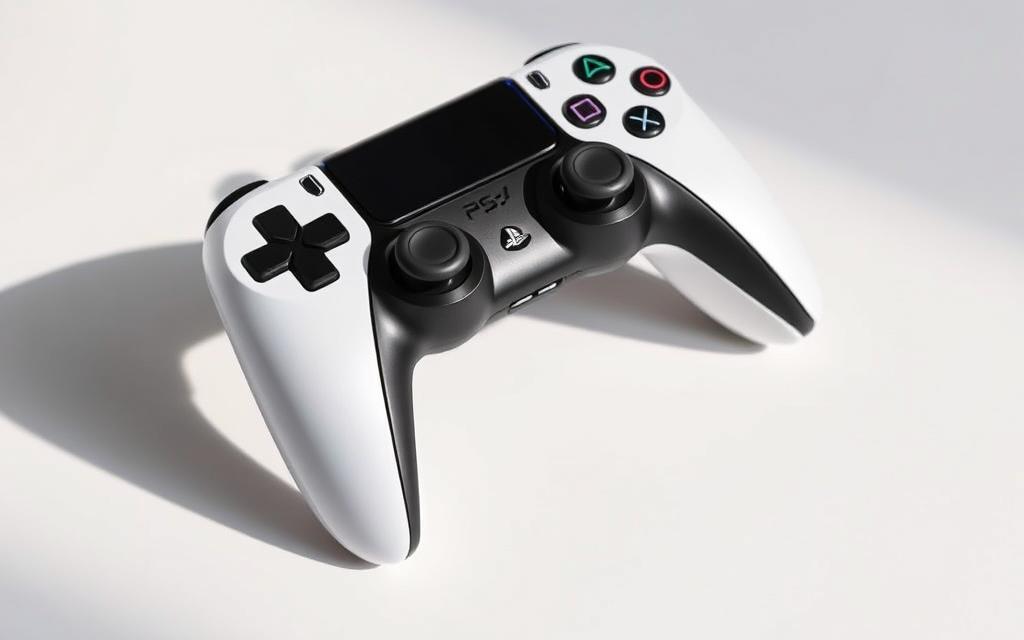
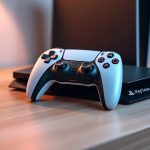
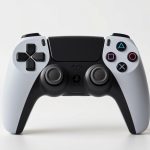
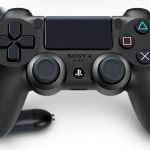
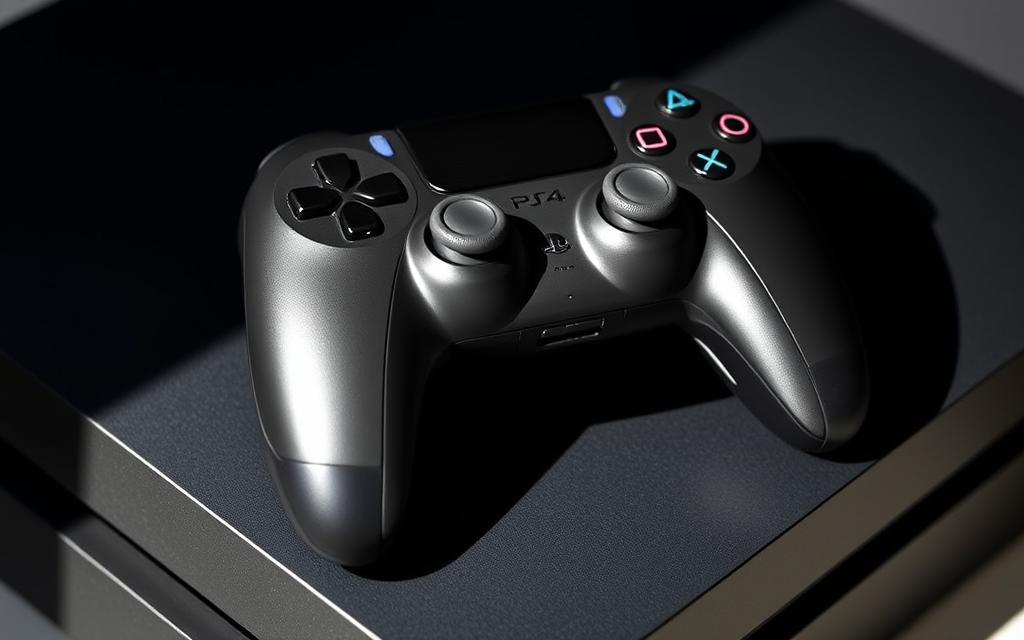
The PS5 DualSense controller represents a significant upgrade in gaming hardware, boasting advanced features and an ergonomic design. Despite its compatibility limitations, many gamers are eager to utilize it with their existing PS4 console.
Sony’s official FAQ page states that the DualSense wireless controller is not compatible with the PS4 console. However, gamers have discovered workarounds to get the PS5 controller working on their PS4.
These workarounds cater to the growing interest in cross-generation controller compatibility, driven by gamers seeking to maximize their hardware investments and experience the improved comfort of the DualSense controller.
The Compatibility Between PS5 Controllers and PS4 Consoles
The compatibility between PS5 controllers and PS4 consoles is a topic of interest for many gamers looking to upgrade their gaming experience. The PS5 DualSense controller boasts advanced features, but its compatibility with the PS4 is limited.
Official Stance from Sony
Sony has explicitly stated that the DualSense wireless controller is not compatible with the PS4 console. This decision creates a clear separation between gaming generations, emphasizing the unique features of each console.
The technical incompatibility stems from fundamental differences in how the controllers communicate with their respective consoles. The PS5 DualSense uses advanced protocols that the PS4 hardware wasn’t designed to interpret. When connected via USB, the PS5 controller will charge but won’t function for gameplay.
Available Workarounds Overview
Despite official limitations, gamers have developed workarounds. Two primary methods include using the PlayStation Remote Play application or employing third-party Bluetooth adapters. These solutions offer different advantages and limitations in terms of setup complexity and gaming experience quality.
By understanding these workarounds, gamers can make informed decisions about how to use their PS5 controllers with PS4 consoles, enhancing their gaming experience.
Can You Use a PS5 Controller on a PS4? Understanding Your Options
For gamers wondering if they can use their PS5 controller with their PS4, the answer lies in understanding the available options. While the PS5 DualSense controller is designed for the latest PlayStation console, it can still be utilized with the PS4 through certain workarounds.
Method1: Using Remote Play App
The Remote Play method allows gamers to stream their PS4 games to another device and use the PS5 controller connected to that device. This requires a PC, smartphone, or tablet with the Remote Play app installed. The advantage of this method is that it doesn’t require any additional hardware purchases beyond what many gamers already own. However, it may introduce more latency depending on network conditions and device processing power.
To use Remote Play, simply download and install the app on your chosen device, connect your PS5 controller, and follow the on-screen instructions to link it with your PS4. This method is convenient, as it leverages Sony’s official streaming application to create an indirect connection between your PS5 controller and PS4 console.
Method2: Using Bluetooth Adapters
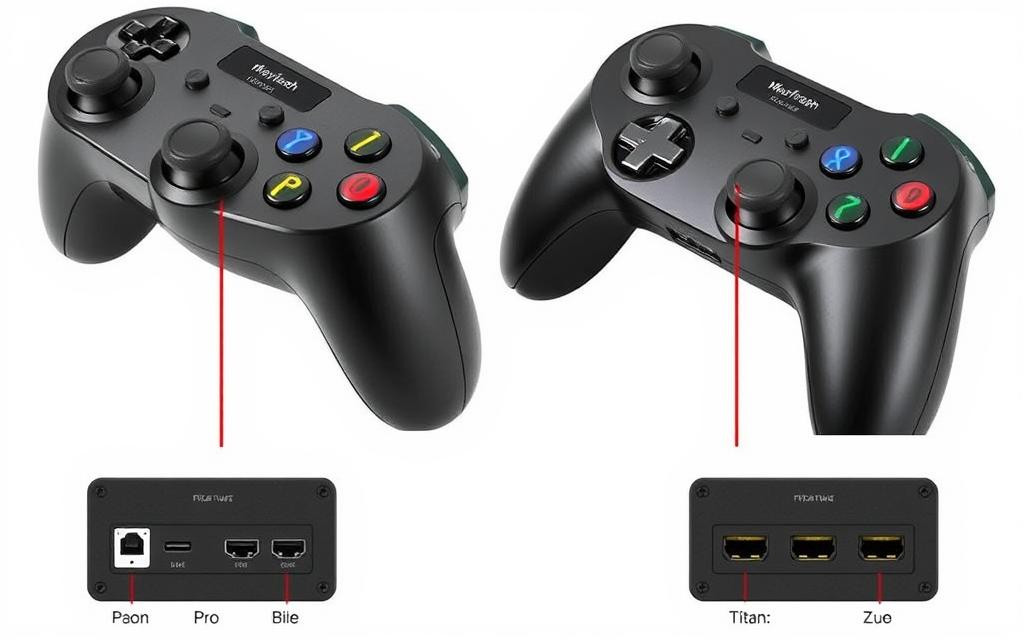
Alternatively, gamers can use Bluetooth adapters like the Mayflash Magic-S Pro, which can be plugged into the PS4’s USB port to pair with the PS5 controller wirelessly. This method provides a more direct hardware solution, resulting in a more responsive gaming experience with less input lag. However, it requires purchasing specific hardware, which can be relatively expensive.
Using Bluetooth adapters is a viable option for those who prefer a more direct connection. The adapter translates the PS5 controller’s inputs into a format the PS4 can understand, allowing for a more seamless gaming experience.
Comparing Both Methods: Pros and Cons
When choosing between the Remote Play method and Bluetooth adapters, consider factors such as budget, tolerance for potential input delay, and whether you need a wired or wireless solution. Remote Play offers flexibility and convenience, while Bluetooth adapters provide a more responsive gaming experience. Ultimately, the choice depends on individual preferences and gaming needs.
By weighing the pros and cons of each method, gamers can make an informed decision about how to use their PS5 controller with their PS4. Whether you prioritize convenience or performance, there’s a solution available to suit your needs.
Using PS5 Controller with PS4 via Remote Play
With Remote Play, you can enjoy playing PS4 games using your PS5 DualSense controller on various devices. This method allows for a more flexible gaming experience, leveraging the advanced features of the PS5 controller.
What You’ll Need
To utilize Remote Play, several components are necessary. You’ll need a PS4 console connected to the internet, a PlayStation Network account, and a device capable of running the Remote Play app, such as a Windows PC, macOS, Android, or iOS device. A stable internet connection with a recommended speed of 15+ Mbps is also required, along with your PS5 DualSense controller.
Setting Up Remote Play on Your Device
To set up Remote Play, start by enabling it on your PS4 through Settings > Remote Play Connection Settings. Then, download and install the PS Remote Play app on your secondary device. After installation, launch the app, sign in with your PlayStation Network account, and select your PS4 console to begin streaming your PS4 games to your device.
Connecting Your PS5 DualSense Controller
To connect your PS5 DualSense controller to your device, you’ll need to pair it via Bluetooth. Hold the Create and PS buttons simultaneously until the light bar flashes, indicating it’s in pairing mode. Then, select the controller from your device’s Bluetooth menu to complete the pairing process.
Troubleshooting Common Connection Issues
Common issues with Remote Play include network connectivity problems, controller pairing failures, and input lag. To resolve these, ensure your internet connection meets the minimum requirements, restart your devices if necessary, and adjust the Remote Play video quality settings to optimize performance.
Using PS5 Controller with PS4 via Bluetooth Adapters
For gamers who want to use their PS5 DualSense controller with their PS4, Bluetooth adapters offer a viable solution. This method allows for a more direct connection compared to Remote Play, potentially reducing latency and improving the overall gaming experience.
Several Bluetooth adapters on the market are specifically designed to enable PS5 controller compatibility with PS4 consoles. The most recommended options include the Mayflash Magic-S Pro (around £89.99) and the Titan Two adapter, both offering reliable performance.
Step-by-Step Connection Guide
Pairing Your DualSense with the Adapter
To connect your PS5 DualSense controller to your PS4 via a Bluetooth adapter, follow these steps:
1. Plug the adapter into your PS4 via a USB port.
2. Press the pairing button on the adapter until the LED lights blink.
3. Hold the PlayStation button and Create button on your DualSense controller to enter pairing mode.
4. Once both devices are in pairing mode, they will automatically connect.
Configuring the Adapter Settings
Some adapters, like the Mayflash Magic-S Pro, offer additional configuration options through PC software or onboard controls. This allows you to customize button mappings, adjust sensitivity, or even create profiles for different games to optimize your controller experience.
Performance and Latency Considerations
When using Bluetooth adapters to connect your PS5 controller to your PS4, several performance considerations come into play. These include minimal input latency, generally lower than the Remote Play method, a reliable wireless connection within the standard Bluetooth range, and battery life implications when using your DualSense wirelessly for extended gaming sessions.
By choosing the right Bluetooth adapter and following the connection guide, you can enjoy your PS4 games with the enhanced features of the PS5 DualSense controller, such as haptic feedback and adaptive triggers, potentially elevating your gaming experience.
Limitations and Final Thoughts
Using a PS5 controller on a PS4 is possible, but it comes with some limitations. The most significant limitation is the loss of advanced features like adaptive triggers and haptic feedback, which remain inactive when playing PS4 games.
Despite these limitations, many gamers prefer the DualSense controller due to its superior ergonomics and more responsive buttons. The Remote Play app and Bluetooth adapters offer viable options for connecting the PS5 controller to the PS4, providing flexibility for gamers who own both console generations.
While neither method is perfect, they allow players to use their preferred controller across their entire PlayStation library. Gamers can enjoy their PS4 game collection with the comfort and performance of the DualSense controller, enhancing their overall gaming experience.
FAQ
Is it possible to connect a PS5 DualSense controller to a PS4 console?
While the PS5 DualSense controller is not natively compatible with the PS4, there are workarounds, such as using the Remote Play app or Bluetooth adapters, to enable its use.
What is the Remote Play app, and how does it help in using a PS5 controller with PS4?
The Remote Play app allows users to stream their PS4 games to another device, such as a PC or mobile, and play using their PS5 DualSense controller, thus providing a workaround for the compatibility issue.
Are there any Bluetooth adapters that can help connect a PS5 controller to a PS4?
Yes, certain Bluetooth adapters can facilitate the connection between a PS5 DualSense controller and a PS4 console, though the performance may vary depending on the adapter and the gaming experience.
What are the pros and cons of using the Remote Play app versus Bluetooth adapters?
The Remote Play app offers a more straightforward and officially supported method, but it requires a stable internet connection and may introduce latency. Bluetooth adapters provide a more direct connection but can be hit-or-miss in terms of compatibility and performance.
Will using a PS5 controller with a PS4 via Remote Play or Bluetooth adapters affect gameplay?
The impact on gameplay can vary; Remote Play may introduce some latency due to internet dependency, while Bluetooth adapters can sometimes result in a more responsive experience, though this is not always the case.
Does Sony officially support using PS5 controllers with PS4 consoles?
Sony does not officially support the direct use of PS5 DualSense controllers with PS4 consoles, but the Remote Play app is an officially sanctioned workaround.
With the rapid evolution of video games, the question of whether PS3 games can be played on PS4 has become increasingly relevant. Understanding the Basics of PS3 and PS4 Compatibility Learn More The transition between the PlayStation3 (PS3) and the PlayStation4 (PS4) marked a significant technological leap, leaving many players wondering if they could still…
The DualShock4 controller is a versatile gaming accessory that offers a great gaming experience across multiple platforms. Understanding how to properly connect it to various devices is essential for optimal performance. This guide will walk you through the different methods of connecting your PS4 controller to devices, from basic console connections to advanced setups with…
Gaming on a computer can be a vastly different experience compared to using a console. While traditional mouse and keyboard setups are common, some games are more enjoyable with a controller. Using a PS4 controller with your PC can enhance your gaming experience, offering more comfort and better control for certain types of games. This…
The PS5 DualSense controller is designed for the latest generation of gaming consoles, but many gamers are wondering if they can use it with their existing PS4 console. According to Sony’s official FAQ page, the DualSense wireless controller is not compatible with the PS4. However, some clever workarounds have been discovered, allowing gamers to utilize…
The arrival of the PS5 has brought significant advancements in gaming technology, offering enhanced graphics and innovative features. However, many gamers who already own DualShock4 controllers for their PS4 consoles are left wondering if they can use these controllers on their new PS5. While the answer is affirmative, there are certain limitations and considerations to…
Riot Games has officially confirmed that VALORANT is coming to console platforms, but not all consoles are getting the game just yet. The beta test is set to start soon, but it won’t be available for PlayStation 4 or Xbox One users. Instead, VALORANT will be exclusively released for current-gen consoles like Xbox Series X|S…